Navigation
Navigation tools help you move faster between lesson areas, checkpoints, and world systems.
Full Map
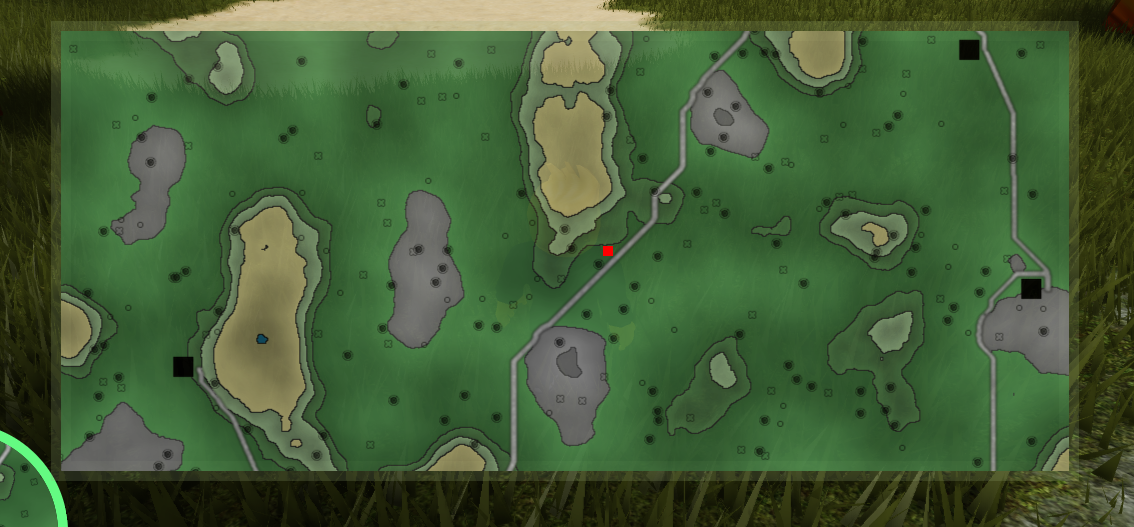
Use the full map when you need route planning across the entire world.
 |
|---|
| Shows all major locations at once so you can plan where to go next. |
Mini-Map and Compass
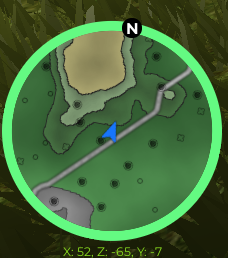
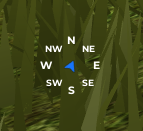
Use the mini-map for local awareness while moving, and the compass for quick direction checks.
 |  |
|---|---|
| Mini-Map: Displays nearby terrain, buildings, and markers around your current position. | Compass: Keeps heading visible so you stay oriented while rotating and exploring. |
The mini-map supports two modes:
- Detailed View: Better for short-range navigation and object placement.
- Compass Mode: Better for moving quickly to known targets.
What Updates in Real Time
- Your current position
- Nearby points of interest
- Discovered locations and progress markers
Practical Workflow
- Open the full map and pick one destination.
- Move using mini-map + compass.
- Confirm arrival using local markers.
- Repeat for the next lesson area.